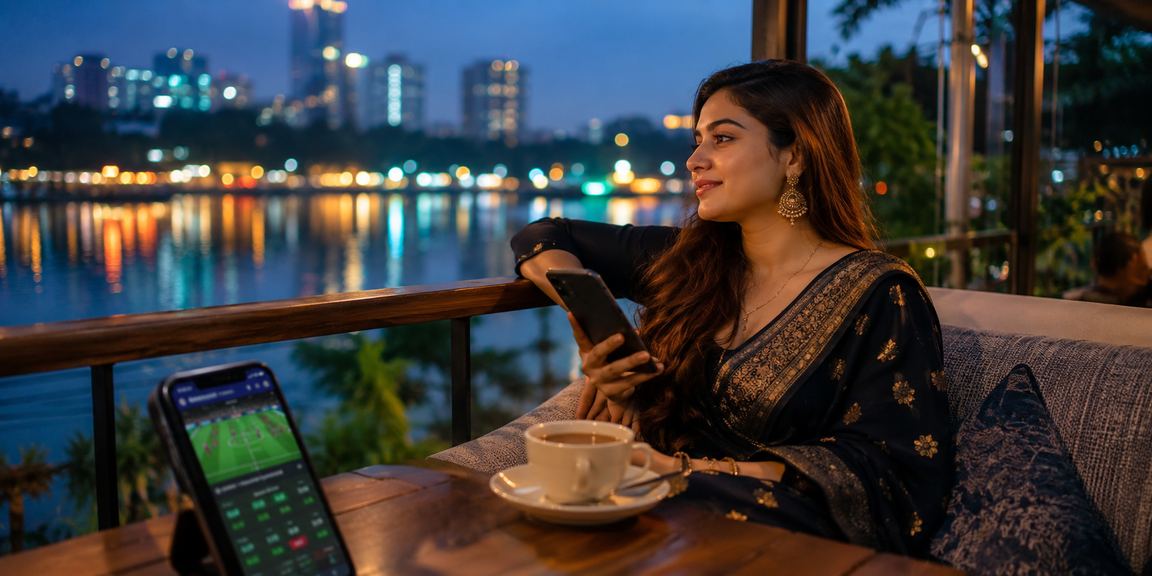
📱 Available on Both Android and iOS

StarSports App — Betting, casino, and live scores all in the palm of your hand

Download the StarSports app and play from anywhere, at any time. Fast loading, a clean interface, and uninterrupted security — all in one app.

Android
v5.5.0
iOS
v5.5.0
Rating
4.8 / 5
starsports
5 Million+
App Download
4.8★
Average User Rating
24/7
Live Support
1.2 Seconds
Average Load Time

Choose Your Device

The StarSports app is available on both Android and iOS

Android App
Latest Version: v5.5.0 | Updated: July 2026
Direct APK Download Android 6.0+ 48 MB
Requires Android 6.0 or above
Download for Android
iOS App
Latest Version: v5.5.0 | Updated: July 2026
App Store iOS 13.0+ 52 MB
Supports All iPhone and iPad Devices
Download on iOS
You can also play without the app: You can also access StarSports' full range of services through a mobile browser. Downloading the app is not required.
starsports

Key App Features

Why millions of Bangladeshi users choose the StarSports app

Ultra-Fast Loading
The app loads in just 1.2 seconds. You'll get a smooth experience even on slower networks. Live betting works on 3G connections too.
🔔
Push Notifications
Get instant notifications for match starts, goals, wickets, and results — wins and losses alike. Choose exactly which notifications you want.
🔒
Biometric Login
Log in instantly with fingerprint or face unlock. No need to type your password, and your security stays airtight.
📊
Live Scores & Stats
Follow real-time scores and detailed stats for cricket, football, tennis, and more — all live in the app.
💳
Fast Payments
Use bKash, Nagad, and Rocket — all mobile banking options directly through the app. Deposits and withdrawals processed in minutes.
🌙
Dark Mode Support
The StarSports app comes with a dark theme by default, which reduces eye strain during late-night sessions and helps save battery.
🎮
2,000+ Games
Everything available on desktop is on the app too — slots, Live Casino, crash games, cricket betting — nothing left out.
🗣️
Bangla Interface
Use the app entirely in Bangla — menus, buttons, and instructions are all in Bangla. No English required.
💬
In-App Support Chat
Reach the support team via live chat directly from within the app. Chat in Bangla and get quick resolutions.

How to Install

Get the StarSports app up and running in just a few simple steps

Android Installation

1
🌐
Visit Site
Visit the StarSports website and click the "Download App" button. The APK file will begin downloading automatically.
2
⚙️
Grant Permissions
Go to Settings and enable "Unknown Sources" or "Install Unknown Apps". You only need to do this once.
3
📦
Install APK
Tap the downloaded APK file and press "Install". It'll be installed in just a few seconds.
4
🎉
Log In
Open the app, log in to your StarSports account, and start playing. New user? Register first.

iOS Installation

1
🍎
Open the App Store
Open the App Store on your iPhone or iPad and search for "StarSports" in the search bar.
2
🔍
Search for the App
Find the official StarSports app. Check the logo to make sure you're selecting the right one.
3
⬇️
Download
Tap "Get" or the download icon. Confirm with your Apple ID. The download will start automatically.
4
Enjoy
Once installed, tap the app icon to open it. Log in or create a new account and start betting right away.
starsports

Everything About the StarSports App

Smartphone users in Bangladesh now number in the hundreds of millions. People spend far more time on their phones than on desktops or laptops — and StarSports understands that reality. The app was built with the everyday Bangladeshi mobile user in mind.

The first thing you notice about the app is how simple it is. The home screen puts live matches, popular betting options, and your account balance right in front of you. There's no guesswork about where to go. Even first-time online betting app users tend to feel comfortable within minutes.

The StarSports app has a real edge when it comes to cricket betting. Whether it's a Bangladesh national team match or IPL, BPL, PSL — you get live betting for every tournament. Odds shift ball by ball, so you can make your call in the moment.

A lot of people ask — are all games available on the app? Yes, the StarSports app has everything from slots to Live Baccarat, crash games, and table games — over 2,000 titles in total. Everything on the website is on the app too, no exceptions.

Payments matter to a lot of users. The StarSports app supports bKash, Nagad, Rocket, and all major mobile banking services directly. Deposits go through in around five minutes, and withdrawals are processed quickly too. No payment hassles.

StarSports takes security seriously. The app protects your account across three layers — SSL encryption, two-factor authentication, and biometric login. Your account details and transaction history stay completely secure.


App vs. Web Browser

Which One Is Right for You?

Feature StarSports App Mobile Browser
Loading Speed ✦ Much Faster Medium
Push Notifications ✦ Available ✕ Not Available
Biometric Login ✦ Available ✕ Not Available
Offline Access (Limited) ✦ Available ✕ Not Available
All Games Available ✦ Available ✦ Available
Payment Options ✦ All Payments ✦ All Payments
Battery Efficient ✦ Optimized Relatively Higher Cost
Installation One-Time Download ✦ Direct Access

Technical Specifications

System Requirements & App Info

Android Specifications
Operating SystemAndroid 6.0+
File Size48 MB
RAM RequiredMinimum 2 GB RAM
StorageAt least 100 MB free storage
Internet3G / 4G / WiFi
VersionV5.5.0
Download MethodDirect APK
iOS Specifications
Operating SystemIOS 13.0+
File Size52 MB
DeviceAll iPhone & iPad Models
StorageAt least 120 MB free storage
Internet3G / 4G / 5G / WiFi
VersionV5.5.0
Download MethodApp Store
starsports

User Reviews

What Users Are Saying About the StarSports App

4.8
★★★★★
Based on 2,34,500+ reviews
5 Stars
78%
4 Stars
14%
3 Stars
5%
2 Stars
2%
1 Star
1%
★★★★★
"The app is genuinely great. I used to play through the browser, but now I do everything through the app. The fingerprint login in particular is a real game-changer."
— Rakib Hossain, Dhaka
★★★★★
"Depositing with bKash used to be such a hassle. On the StarSports app it takes under two minutes. Really impressed."
— Sumaiya Begum, Chattogram
★★★★☆
"Live cricket betting is super smooth. Scores update instantly and the notifications are really useful."
— Tanvir Ahmed, Rajshahi
★★★★★
"Having the interface in Bangla makes everything so much easier. I understand everything right away, and support chat is in Bangla too."
— Nasreen Akter, Sylhet

Common questions about using the app

A common concern is whether downloading an APK could put your phone at risk of viruses — and that's a fair question. As long as you download the StarSports APK directly from the official site, there's no risk. Just avoid downloading from any third-party sites.

App updates are hassle-free too. When a new version is available, you'll get a notification from within the app. Updating is straightforward, and your existing data stays intact.

The StarSports app works just as well across multiple devices. You can use the same account on your phone, tablet, and desktop simultaneously. Your balance and betting history stay synced across all devices.

One important tip — avoid public WiFi when using the app. Mobile data or your home network is a much safer option. The StarSports app has its own encryption, but a little personal caution never hurts.

At the end of the day, the StarSports app is more than just a tool — it's a complete experience built for Bangladesh's betting community. Live bets during cricket season, special offers over Eid, casino games late at night — everything in one place, always within reach.

App FAQs

Frequently Asked Questions

Yes, the StarSports app is completely free to download. Get the APK file directly on Android, or find it on the App Store for iOS. There's no charge to download or install the app.

The app runs on Android 6.0 and above. 2 GB RAM and at least 100 MB of free storage are all you need. Note that live streaming may be slightly slower on older devices.

Yes, you can deposit and withdraw directly through the StarSports app using bKash, Nagad, Rocket, and all other popular mobile banking services. Transactions are typically completed within 5 minutes.

If "Unknown Sources" isn't enabled on Android, installation may be blocked. Go to Settings → Security → Install from Unknown Sources and turn it on. If the problem persists, contact StarSports via live chat support.

Yes, your StarSports account works across any device. Your balance, betting history, and bonuses all stay in sync. For security, we recommend logging in only from devices you trust.

Absolutely. You can register a new account directly through the StarSports app. The process is straightforward and takes just a few minutes. Once registered, you can make a deposit and start playing right away.
📱

Download the StarSports App Today

Sign up and get a special welcome bonus on your first deposit. Available on both Android and iOS.

বাংলা